How to Use GPT-6 Vision with Pet Photos Safely in 2026
Learn how to use GPT-6 image input to organize dated pet-photo observations while avoiding diagnosis, treatment advice, and delayed veterinary care.
Quick answer
What this guide covers
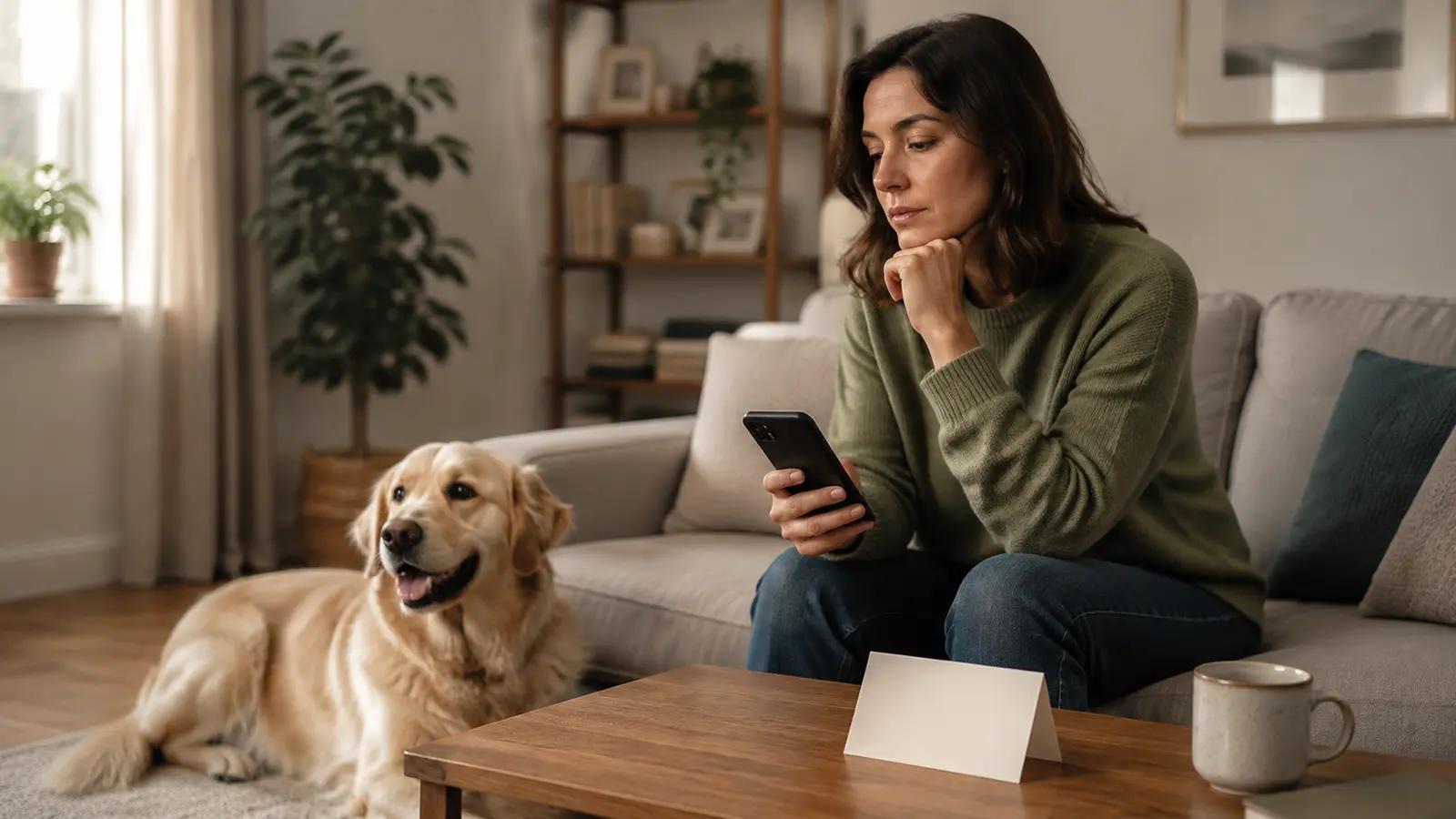
Treat a pet photo as one dated observation: keep the original, ask for visible description, and use professional care for diagnosis or urgent concerns.
Key takeaways
- “What visible difference can I compare with last week’s photo?”
- “Can you describe the position of my dog’s front legs without guessing why it looks that way?”
- “Which parts of this image are unclear and should I document again?”

Article content
GPT-6 image input may help you describe and organize a visible observation in a pet photo. It cannot establish a veterinary diagnosis, show everything happening inside the animal, or replace an in-person assessment.
The safest approach is to treat a photo as one dated observation in a series. Keep the original image, record the conditions in which it was taken, ask for a description rather than a disease label, and share the relevant material with a qualified professional when needed.
Decide what the photo is meant to document
Before taking a picture, write one neutral question. For example:
- “What visible difference can I compare with last week’s photo?”
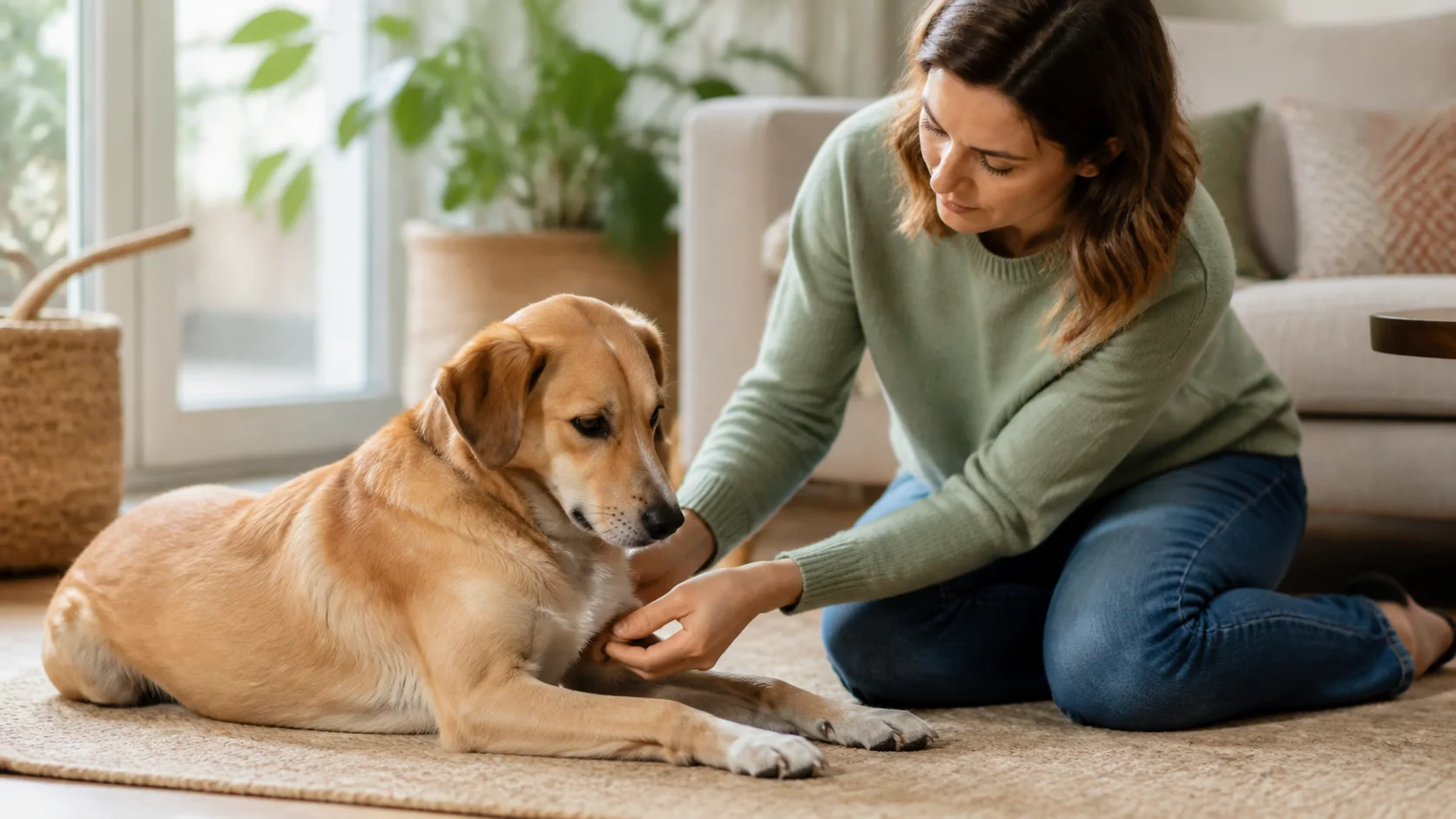
- “Can you describe the position of my dog’s front legs without guessing why it looks that way?”
- “Which parts of this image are unclear and should I document again?”
GPT-6 Astra’s official model documentation lists image input as a supported modality. That tells you the model can receive an image in a supported product or API workflow. It does not establish veterinary accuracy, and it does not mean every pet-care app has the same capability.
The question should be about what is visible and recordable. A request such as “confirm whether this is a serious disease” asks the image to provide more information than it contains.
Take a comparable photo series
A dramatic close-up is not always the most useful record. When it is safe and practical, use a consistent routine:
- Take the photo in similar lighting.
- Keep a similar distance and angle.
- Include the date and time in your separate notes.
- Take one wider image and one relevant detail image.
- Avoid filters, beautifying edits, and excessive cropping.
- Record what the pet was doing before and after the photo.
Keep the pet comfortable. Do not restrain an anxious animal, disturb a painful area, or delay professional care just to obtain a better image. A photo record is useful only when the process does not change the situation or put the pet at risk.
Ask for description, not diagnosis
Use a prompt that limits the model’s job:
```text Describe only the visible features in this photo of my [dog/cat].
Context:
- Photo date and time: [date/time]
- Lighting and distance: [conditions]
- Relevant behavior I observed: [neutral description]
- Comparison photo available: [yes/no]
Please:
- Describe what is clearly visible.
- Separate visible description from interpretation.
- List what cannot be assessed from this image.
- Suggest neutral details I could record next.
- Create questions for a qualified veterinarian if appropriate.
Do not diagnose, recommend treatment, calculate a dose, or tell me to delay professional care. ```
If the model gives a disease name anyway, treat that as an unverified interpretation. Do not copy it into the record as a confirmed finding. Ask the veterinary team what the image means in the context of the pet’s history and examination.
Preserve the original and surrounding context
Save the original image alongside the record. Include:
- Date, time, and location
- Light, distance, and camera angle
- What the pet was doing
- What you noticed before taking the photo
- Whether the image is a comparison with an earlier one
- The exact question you asked the model
- Which parts of the AI response you kept or rejected
This prevents an AI description from becoming detached from the evidence. It also protects against a common mistake: treating one unusual angle, expression, or lighting condition as a meaningful change.
Think about privacy too. A photo can reveal a home interior, a person, a child, an address, or other pets. Crop or remove unrelated information when practical, and understand how the service you use stores and handles images.
Stop image analysis when professional help is needed
Do not wait for a better photo or a second AI answer if you think your pet may need urgent care. Contact your veterinarian, an emergency animal hospital, or an animal poison control center as appropriate. FDA guidance directs pet owners to these professional services for veterinary advice in emergencies.
If you can preserve information without delaying contact, note what happened, when it started, what your pet may have eaten or touched, and what you are seeing now. The professional can tell you whether a photo, video, examination, or another next step is useful.
Use a Photo Observation Log
```text Pet: Photo date and time: Location and lighting: Distance and angle:
What I directly observed before the photo:
What is visibly shown in the photo:
What the photo cannot establish:
Comparison with an earlier photo:
Question for a qualified veterinarian:
AI assistance used:
- The image was used for description and organization only.
- Any unverified interpretation was not recorded as a finding.
```
The log is more valuable than a standalone AI label because it preserves the original image and the conditions around it.
Frequently asked questions
Can GPT-6 identify a skin problem from a photo?
It may describe visible features, but a photo-based output is not a veterinary diagnosis. Skin, coat, eye, wound, and other appearance questions need professional interpretation when they persist, worsen, or concern you.
Can I use one photo to compare a pet’s weight?
One photo is a poor substitute for a consistent measurement and professional body-condition assessment. Use the photo as context, record actual measurements when appropriate, and avoid treating an image estimate as a precise result.
Should I edit or filter the image first?
Keep the original image. If you create a crop for clarity, save it as a separate copy and record that it was edited. Filters and heavy edits can remove details that matter when someone else reviews the image.
Can a photo replace an in-person examination?
No. It cannot provide the full history, physical examination, or tests that may be needed. It can be one piece of preparation material for a professional conversation.
The practical takeaway
Use GPT-6 vision to help describe a dated image and organize your questions. Keep the original photo, context, and uncertainty together. A visual model can assist observation, but it cannot examine your pet or replace veterinary care.
For broader context, see AI Pet Tools in 2026 and How to Prepare Health Notes for a Vet Visit. The GPT-6 workflow page in this content cluster can be linked here after it is reviewed and published.
BetterHealth provides general pet wellness education and tools for organizing pet profiles, observations, and care notes. It does not provide veterinary diagnosis or treatment and should not be used for emergencies.
Sources
Author information

Written by
Mei Lin
Feline health content author
A fictional editorial profile focused on cat hydration, appetite changes, digestion, and daily care observations.
Areas of focus
- cat hydration
- appetite changes
- digestion
- daily care
Profile note: Fictional profile. No real license, institution, or professional credential is claimed.
Reviewed by
Julian Reed
Pet health fact-checking editor
Areas of focus
- fact checking
- risk language
- health claims
- editorial review